
How to Stay Connected
SVHS Team Hub keeps players, parents, and fans on the same page — schedule, camp registration, records, and team announcements all in one place. Here's how to get started in a few steps.
Open svhsteamhub.com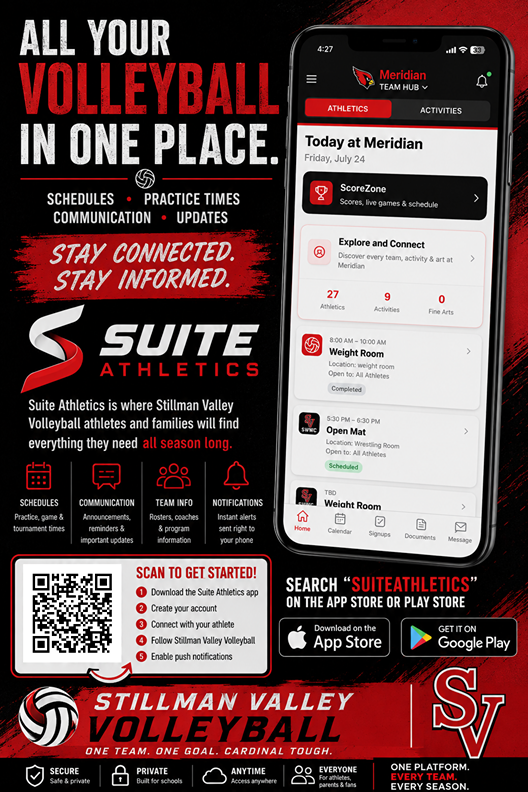
Getting Started
Open SVHS Team Hub
Open the app from your home screen (see install steps below) or visit the site in your browser. Everything lives in one place — schedule, camp registration, records, and links.
Check the Schedule
Tap Schedule to see matches, practices, camps, weight room, and skills training. Camp and summer activities are color-coded so they're easy to spot at a glance.
Read Announcements
Important updates from the coaching staff appear at the top of the home page. Check here first for weather cancellations, time changes, and reminders.
Create an Account for Notifications
To receive notifications, you'll need to create a free account on Team Hub. Once you're signed in, allow notifications so you never miss a schedule change or team message. You can browse the schedule, records, and links without an account — an account is only required for notifications.
You're Connected
That's it! You'll stay up to date on everything Cardinal Volleyball — no group texts or lost emails.
What Should I Focus On?
Players
Check the schedule daily, watch for practice and lift times, and read announcements before asking a coach.
Parents
Register your athlete for camps, view the full season calendar, and keep contact info handy for emergencies.
Fans
Follow the schedule, watch games on the streaming links, and check season records and stats.
Add to Your Home Screen
Install Team Hub like an app so it's one tap away and can send notifications. It's the same experience as a store app.
iPhone / iPad (Safari)
- 1.Open Team Hub in Safari.
- 2.Tap the Share button.
- 3.Choose Add to Home Screen.
- 4.Tap Add in the top corner.
Android (Chrome)
- 1.Open Team Hub in Chrome.
- 2.Tap the ⋮ menu (top-right).
- 3.Choose Add to Home screen.
- 4.Tap Install to confirm.
Common Questions
Do I need an account?
You can view the schedule, records, and links without an account. You'll need to create a free account to receive notifications, and you enter your information when registering for a camp.
How do I get notifications?
Create a free account on Team Hub, then allow notifications when prompted (this works best after adding Team Hub to your home screen). You'll get alerts for schedule changes, cancellations, and team announcements.
How do I register for camp?
Tap Camp in the menu, choose your camp, fill out the registration form, and pay online with a card or select pay-by-cash/check. You can register multiple students at once.
How do I find my registration later?
Tap My Registrations and enter the email you used when signing up to view your camp registrations and payment status.
Is this an app I download from the store?
Not yet — for now you add SVHS Team Hub to your home screen (steps below). It looks and works exactly like an app either way. When it's in the app store, the experience will be the same.
Who do I contact with questions?
Please contact Coach Jamie McCarty with any questions about programs, camps, or the Team Hub.
Questions? Please contact Coach Jamie McCarty.